RENTDESK app for phone and tablet
The office program on your phone or tablet: payments, tenants, leases, maintenance and documents.
iPhone / iPad
- Open this page in Safari.
- Tap Share (bottom of the screen on iPhone, top on iPad).
- Choose "Add to Home Screen".
- Tap "Add". The RENTDESK icon appears on the home screen.
Android (phone or tablet)
- Open this page in Chrome.
- Tap the "Install RENTDESK" button above, or the menu ⋮ and "Install app" / "Add to Home screen".
- Confirm with "Install". The RENTDESK icon appears with your apps.
Open it on your phone
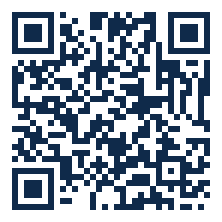
Point the phone camera at the code and open the link.
Send the link
https://rentdesk.vanguardshield.net/app-movil
After installing, open the app and sign in once with your office user. The app always shows the live data from Render and needs internet.